Who’s Offline? — GUI Usability
If you’re showing status of any type, make sure that it is not misleading. No icon or status text should…
Notes on user-centered UI/UX design
If you’re showing status of any type, make sure that it is not misleading. No icon or status text should…
These days, most browser applications attempt to make things easier by offering to remember passwords for specific URLs and entering…
Here is an example of a form that does exactly what I suggested was the correct implementation: The correct time…
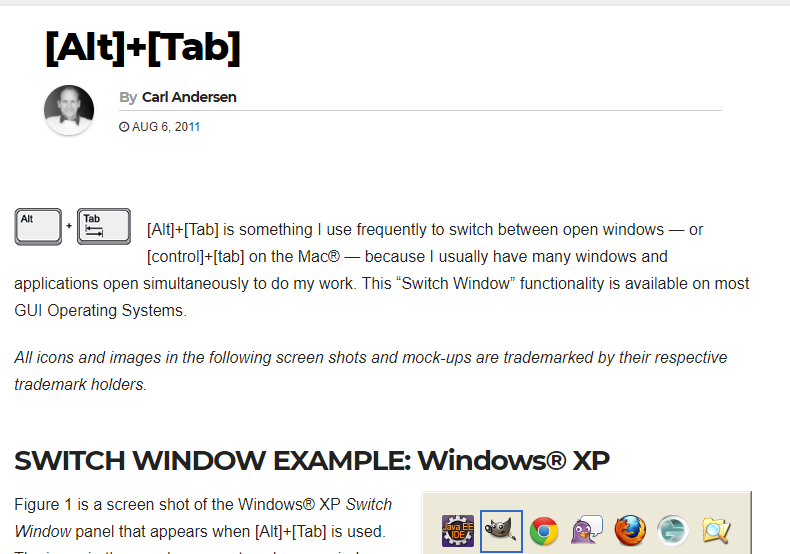
Always keep your application name first in the title bar. Don’t change your window icon (or at least consider superimposing…
Well done! Thank you for fixing this (whether you got the idea from this blog or not).
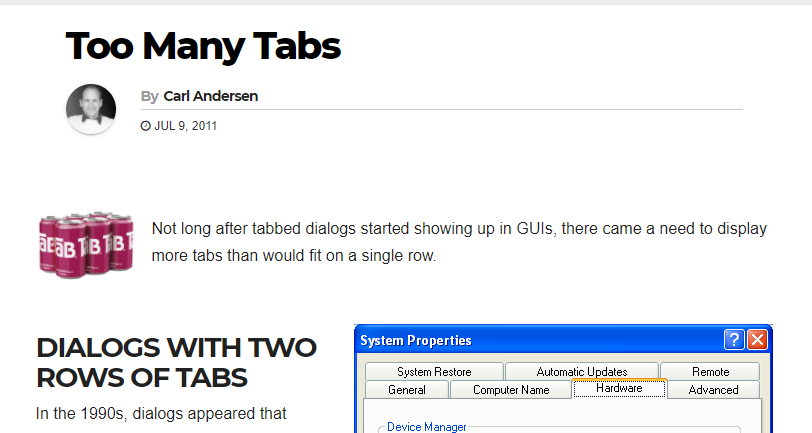
Don’t ever move a control when it is clicked, such as a tab to a new row (I guess that…
If tabs are used to navigate to a new panel, then those same tabs should display the current location. Bouncing…
If your form is going to automatically advance during keyboard entry, then allow keystrokes to get back, including [Backspace] and…
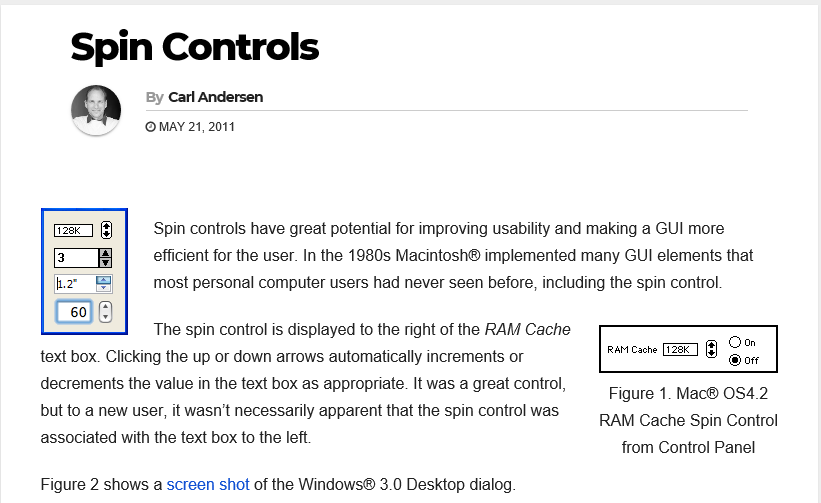
Don’t provide a text box by itself when a spin control would be helpful, and then always implement keyboard arrow…
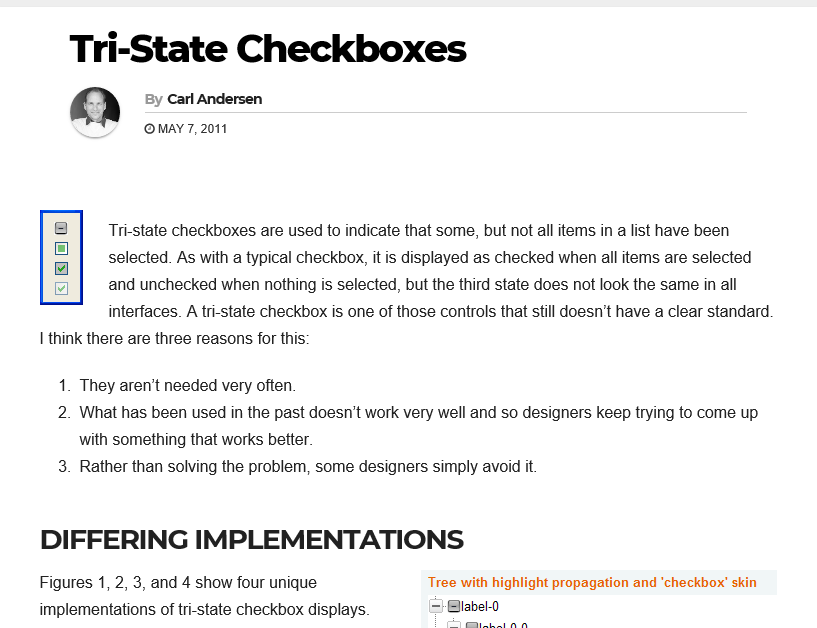
Don’t ever use a standard display to represent a new idea (e.g. grayed always means disabled). Don’t use a control…